Convert & compress anything
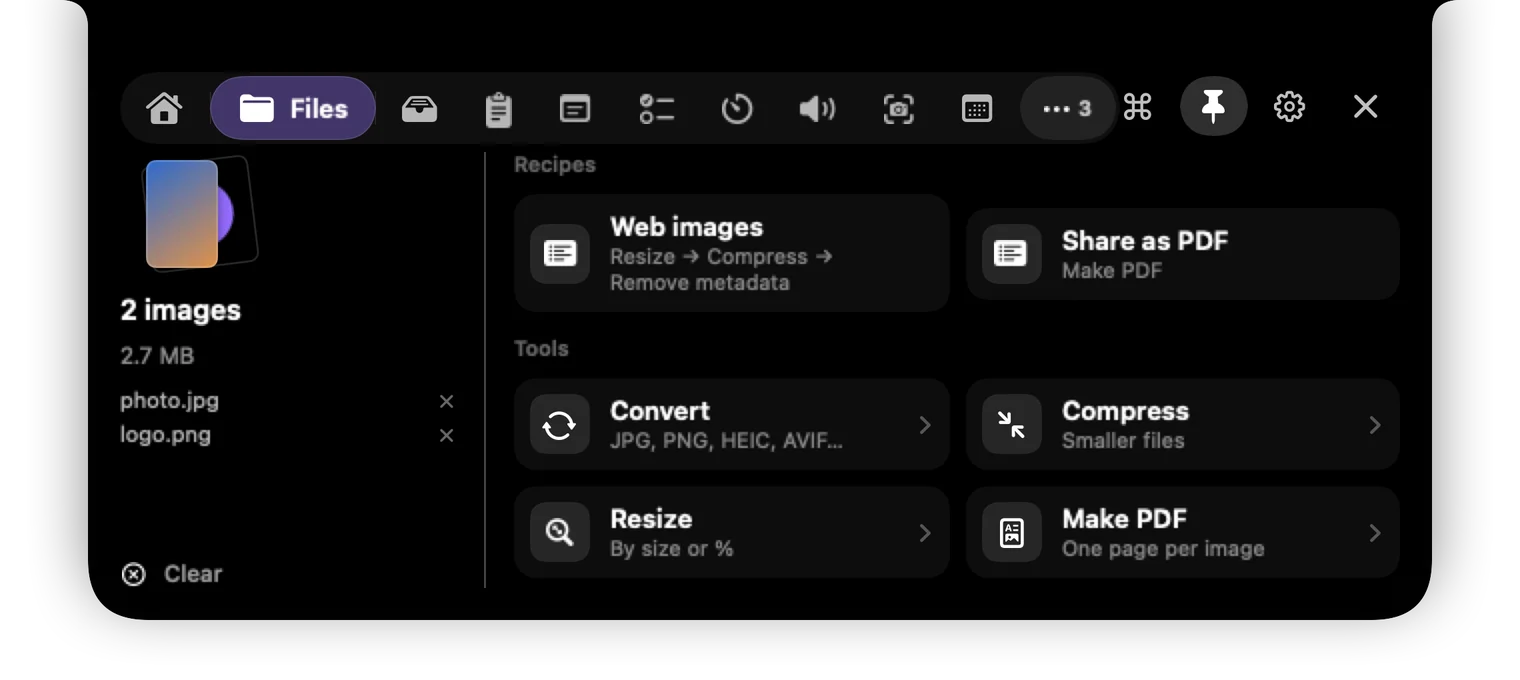
Drop photos, PDFs, videos or audio on the notch. HEIC to JPG, shrink a 40 MB scan, video to GIF, remove a background. On your Mac, nothing uploaded.
Try it →For your Mac's notch
Brimbox turns the black notch into a toolbox: convert files, find anything you copied, control your music, capture the screen and stay focused. One hover away.
$5 once · No subscription · Everything stays on your Mac
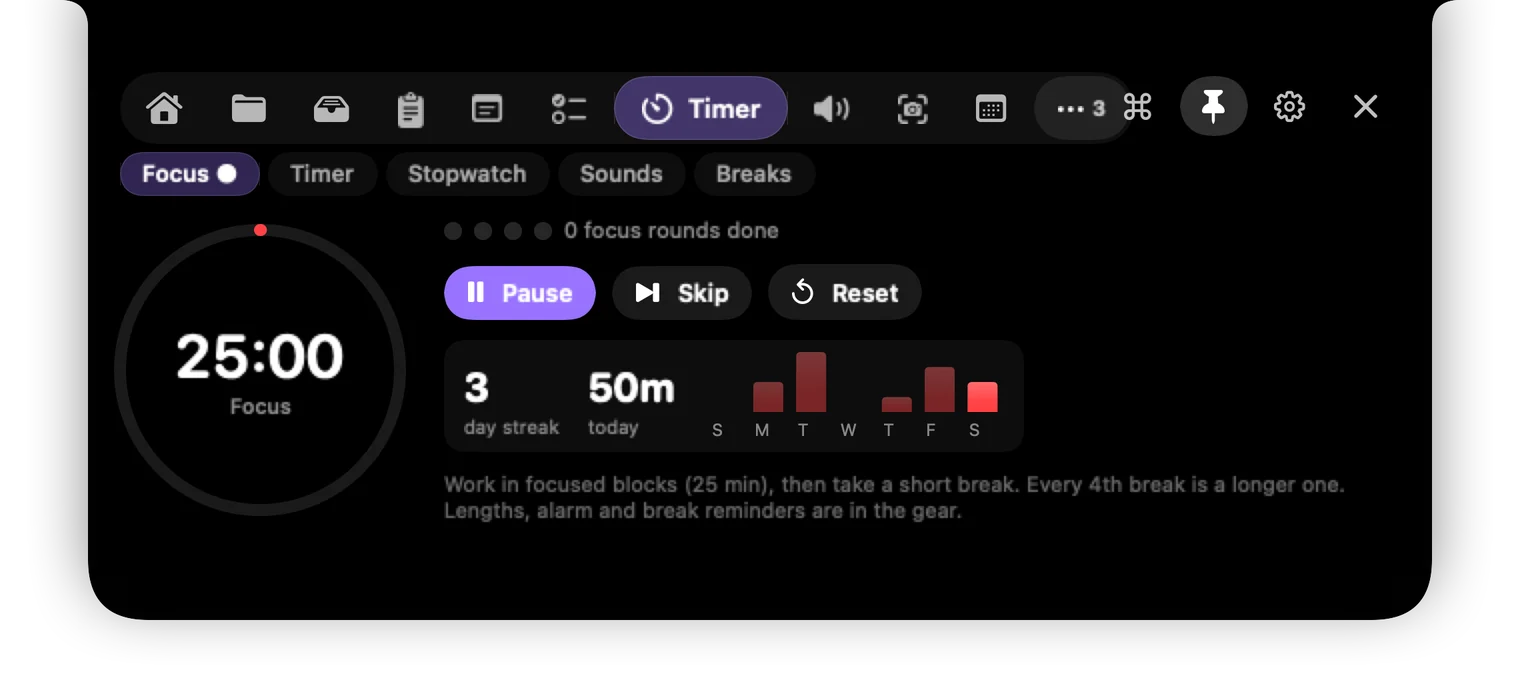
Start it, then close the notch: the time left stays at the top of your screen.
↑ Hover the notch (or tap it). Drag a file from the desktop onto it.
Thirteen tools, one hover
Tap “Try it” on any card to open that tab in the demo above.
Drop photos, PDFs, videos or audio on the notch. HEIC to JPG, shrink a 40 MB scan, video to GIF, remove a background. On your Mac, nothing uploaded.
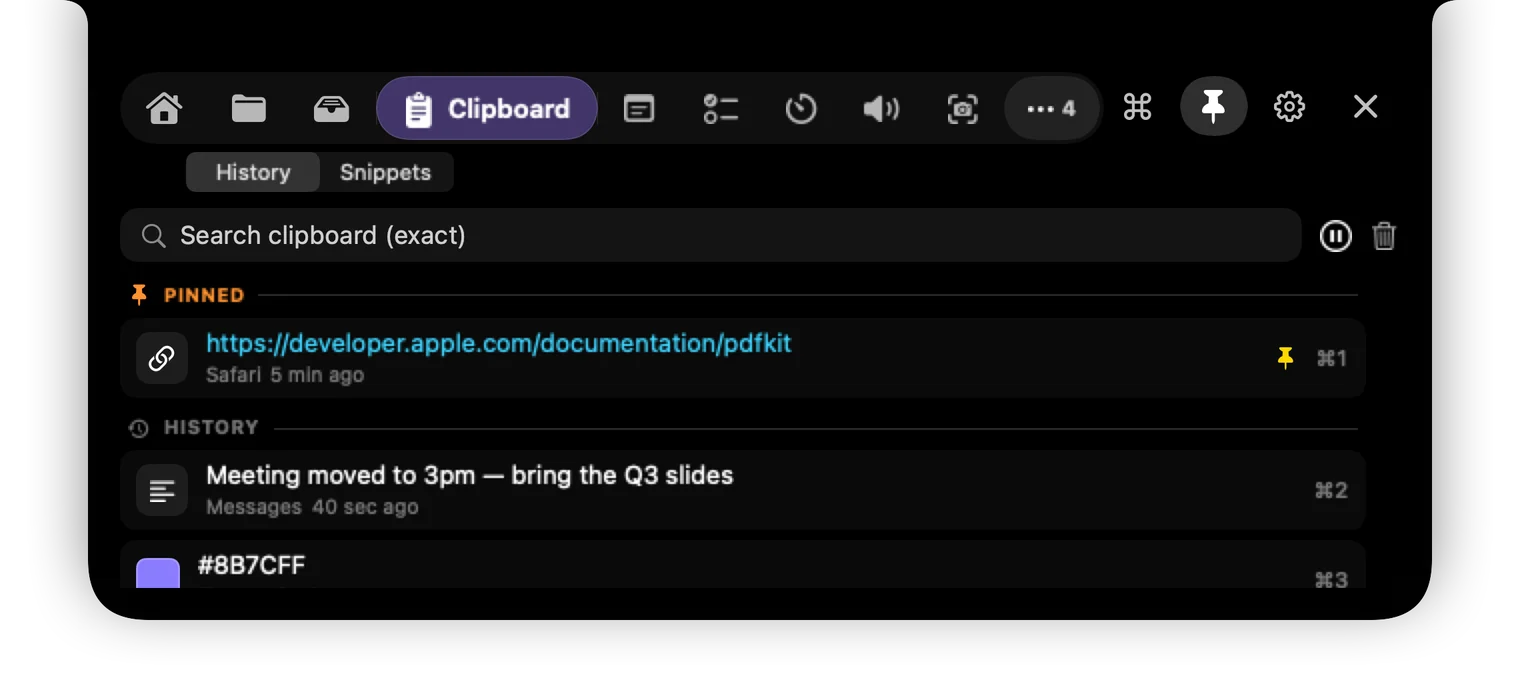
Try it →Everything you copied, searchable. Pin what you paste every day, paste a stack in order, keep snippets. Passwords from password managers are never saved.
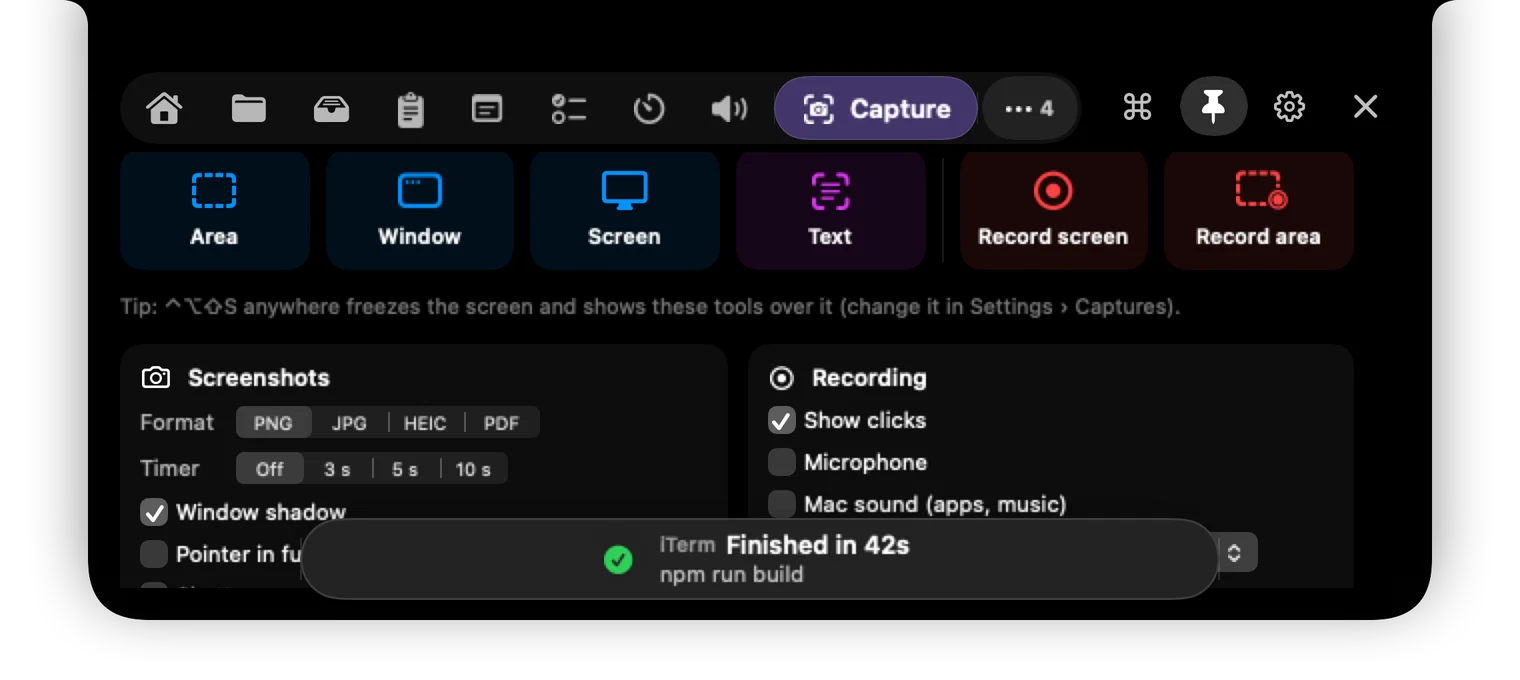
Try it →The capture shortcut freezes everything, even videos, so you catch the exact frame. Copy text right off the screen, or record with your voice.
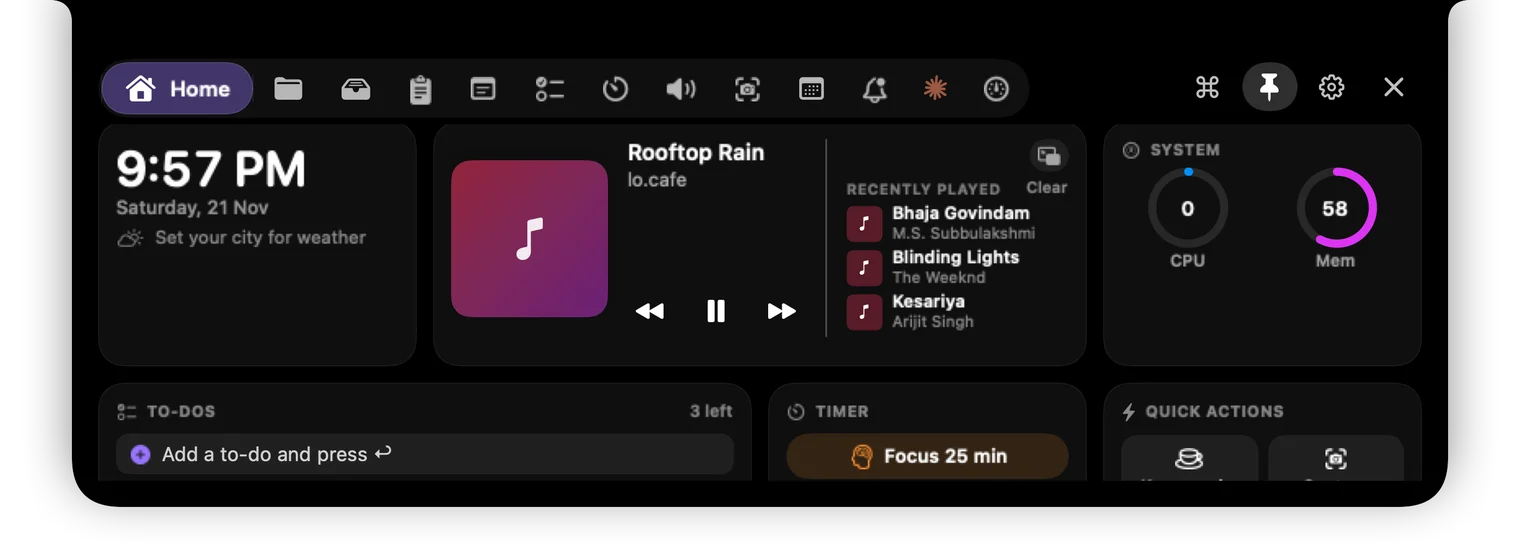
Try it →Apple Music, Spotify and music playing in your browser, each with its own controls. Synced lyrics, recently played and a floating mini player.
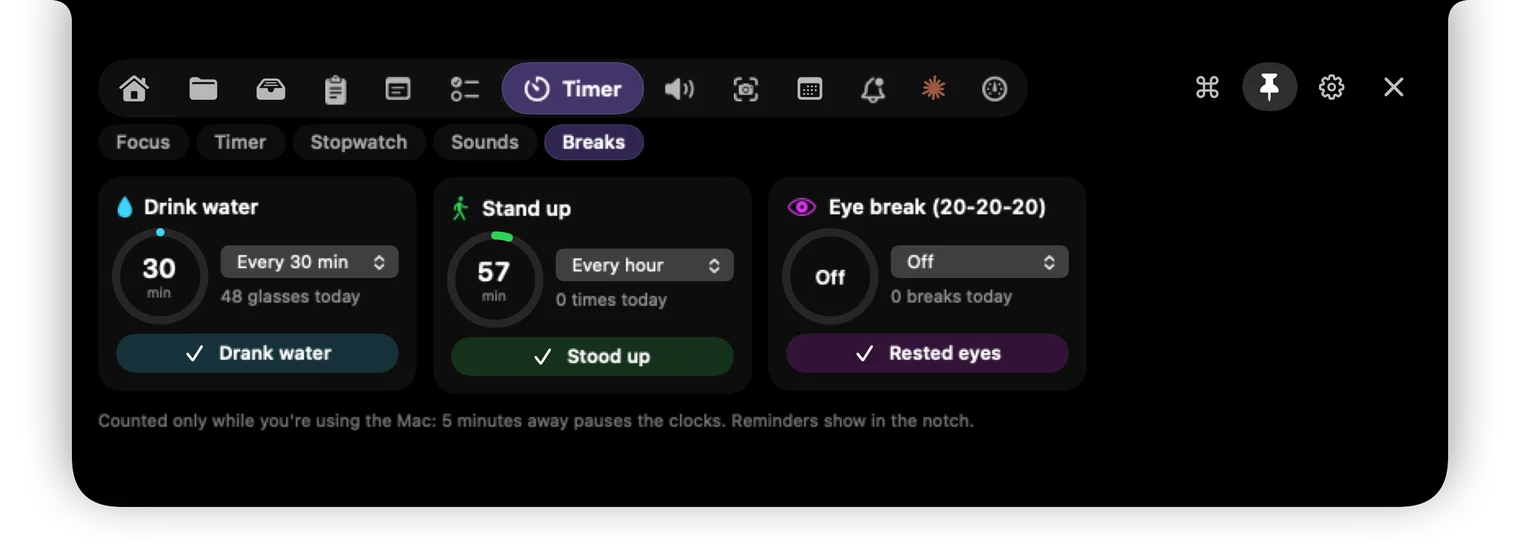
Try it →Pomodoro sessions, timers and a stopwatch that keep counting at the top of your screen, plus gentle reminders to drink water, stand up and rest your eyes.
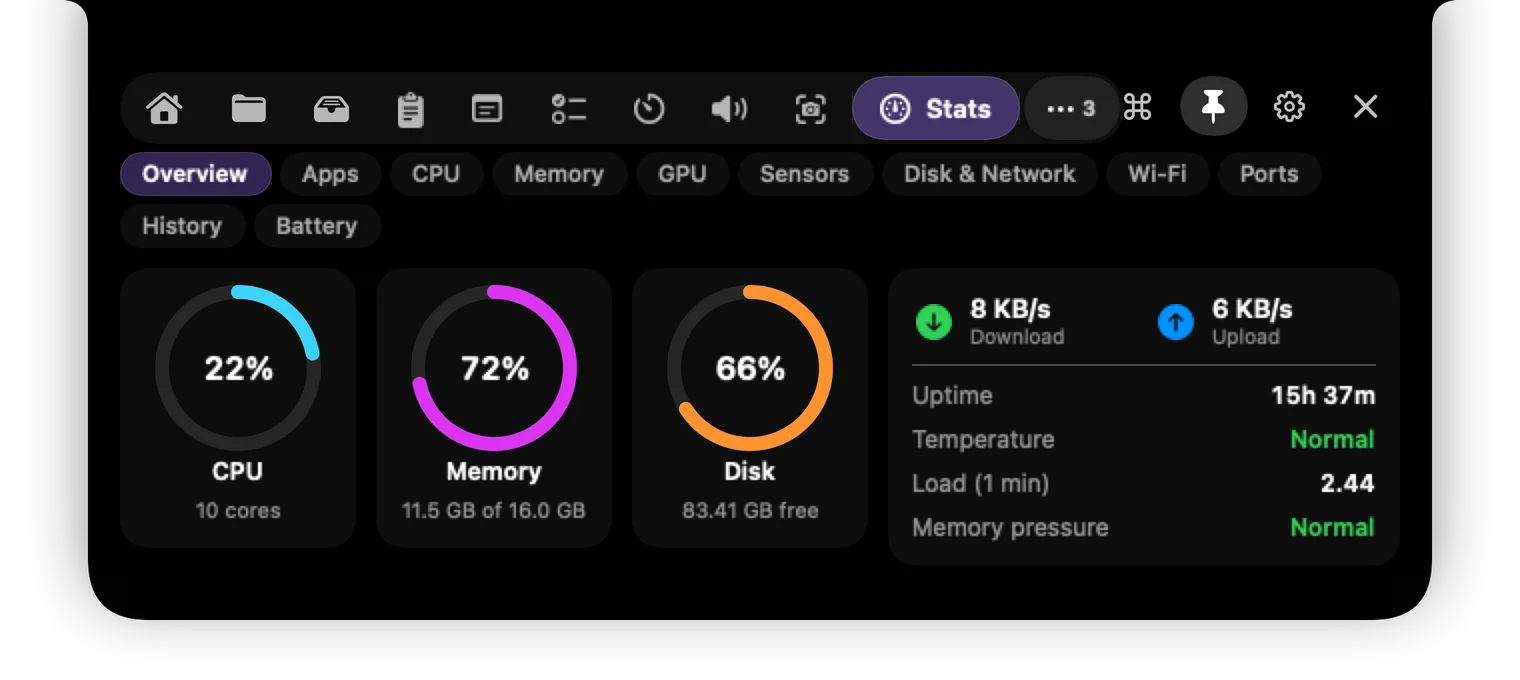
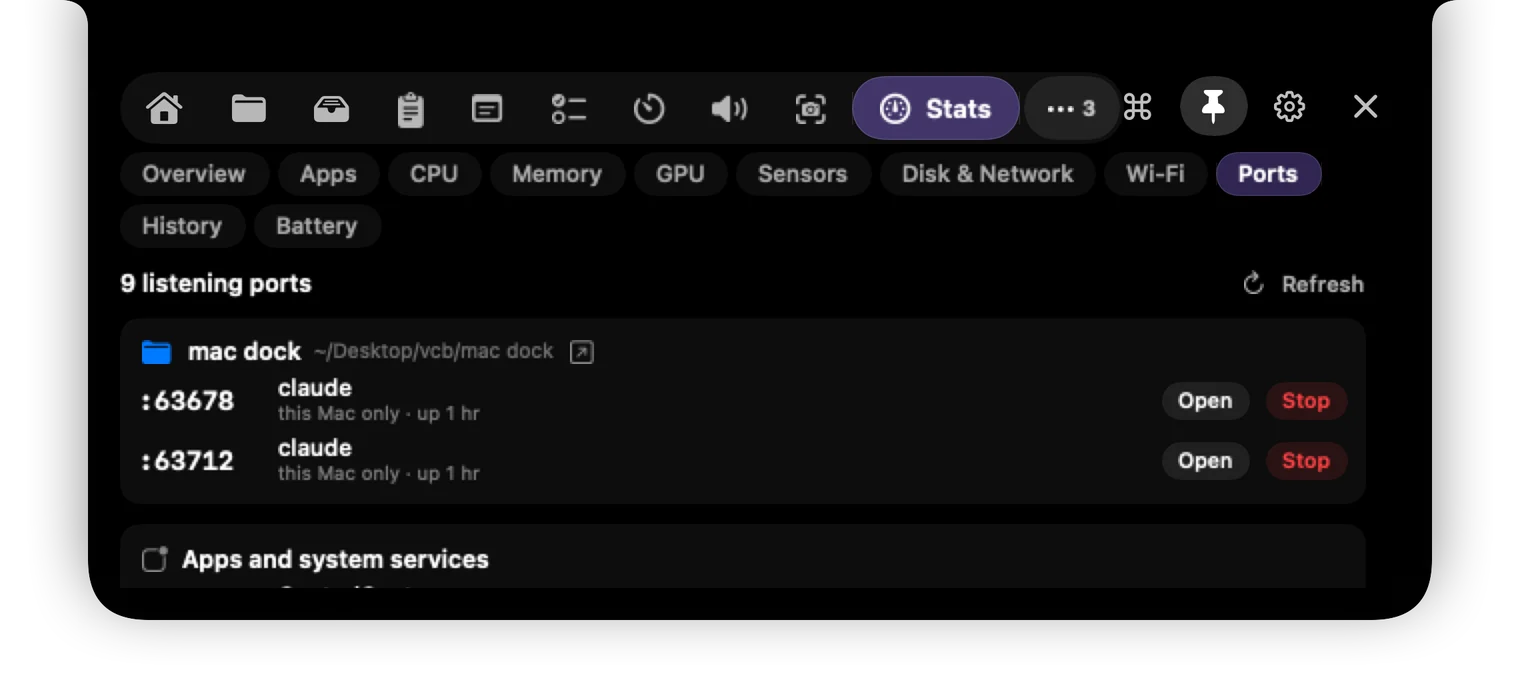
Try it →CPU, memory, GPU, temperatures, network, Wi-Fi, a speed test, and the dev servers holding your ports, with a button to stop them.
Try it →Dragging a file around? Shake it and the notch drops open to hold it. Drag it out into any app later, or run a saved Recipe on it.
Turn Spotify down without touching your call. Volume and EQ per app, and other apps go quiet on their own when a call starts.
Today's events and reminders, a countdown to the next meeting and a Join button for Zoom, Meet, Teams and Webex.
AirPods connecting with their battery, charging, finished downloads, and apps using too much CPU, right in the notch.
The command palette runs any action, does maths and unit conversions, opens apps and runs your Shortcuts.
Get told when a long Terminal command finishes, follow Claude Code sessions, and script the notch from the command line.
The real app
Real screens from Brimbox, not mock-ups.
Private by design
No account. No analytics. Files are converted on your Mac, your clipboard never leaves it, and passwords from password managers are never even saved.
Pricing
Your key arrives by email straight after paying. Needs macOS 15 Sequoia or later.
Questions
No. Instead, the demo at the top of this page lets you try how each part works before you buy. If Brimbox doesn't work on your Mac, see our refund policy.
Any Mac with macOS 15 Sequoia or later. MacBooks with a notch get the full effect; on other Macs and external screens, Brimbox puts its own notch at the top of the screen.
One licence works on one Mac. If you get a new Mac, email us and we'll move your licence to it.
Brimbox is sold directly, not through the App Store, so the first time you open it macOS asks you to confirm. Open System Settings › Privacy & Security and click Open Anyway. You only do this once. The steps are on the download page.
Your files, clipboard, notes and music stay on your Mac. Brimbox has no account and no analytics. It only goes online for weather (if you set a city), synced lyrics, Spotify cover art and a weekly licence check.
Each permission is for one feature: Accessibility to paste for you, Screen Recording for screenshots, Automation to control Music and Spotify, Calendars for your meetings. Every one is optional; skip the ones you don't need.
Something else? support@getbrimbox.com